.png)
Pre‑launch Reservation FAQ
This FAQ explains how BackerKit’s Pre‑launch Reservation works from a backer’s point of view—what you’ll see, how to place a reservation, and the important rules to know before you commit.
👉🏽 Trying to access a locked VIP Pledge Level? Check out this Help Doc »
What is a Pre‑launch Reservation?
A Pre‑launch Reservation lets you reserve an exclusive perk or pledge incentive before a campaign goes live, or get access to a locked VIP pledge level once the campaign is live by paying a small, one‑time fee (typically $1–$5) on the project’s pre-launch page, and to receive a notification as soon as the project goes live! This does not count as credit towards your pledge, or as a free item. These exclusive perks are only available prior to the campaign's official launch date.
Making a reservation is just the first step to confirm eligibility for special perks, reserving does not secure a pledge, but it does secure your special rewards for if and when you pledge, but you’ll still need to pledge after the project launches (and before it ends) to receive your perks. If your pledge is not submitted separately from your Reservation before the campaign ends, we will not be able to honor your special perks, and your Reservation will default to a donation to the project creator.
Otherwise, as soon as you pledge when the campaign launches, your reserved perk will be attached to your pledge at checkout. :) 🎊
How do I place a reservation?
-
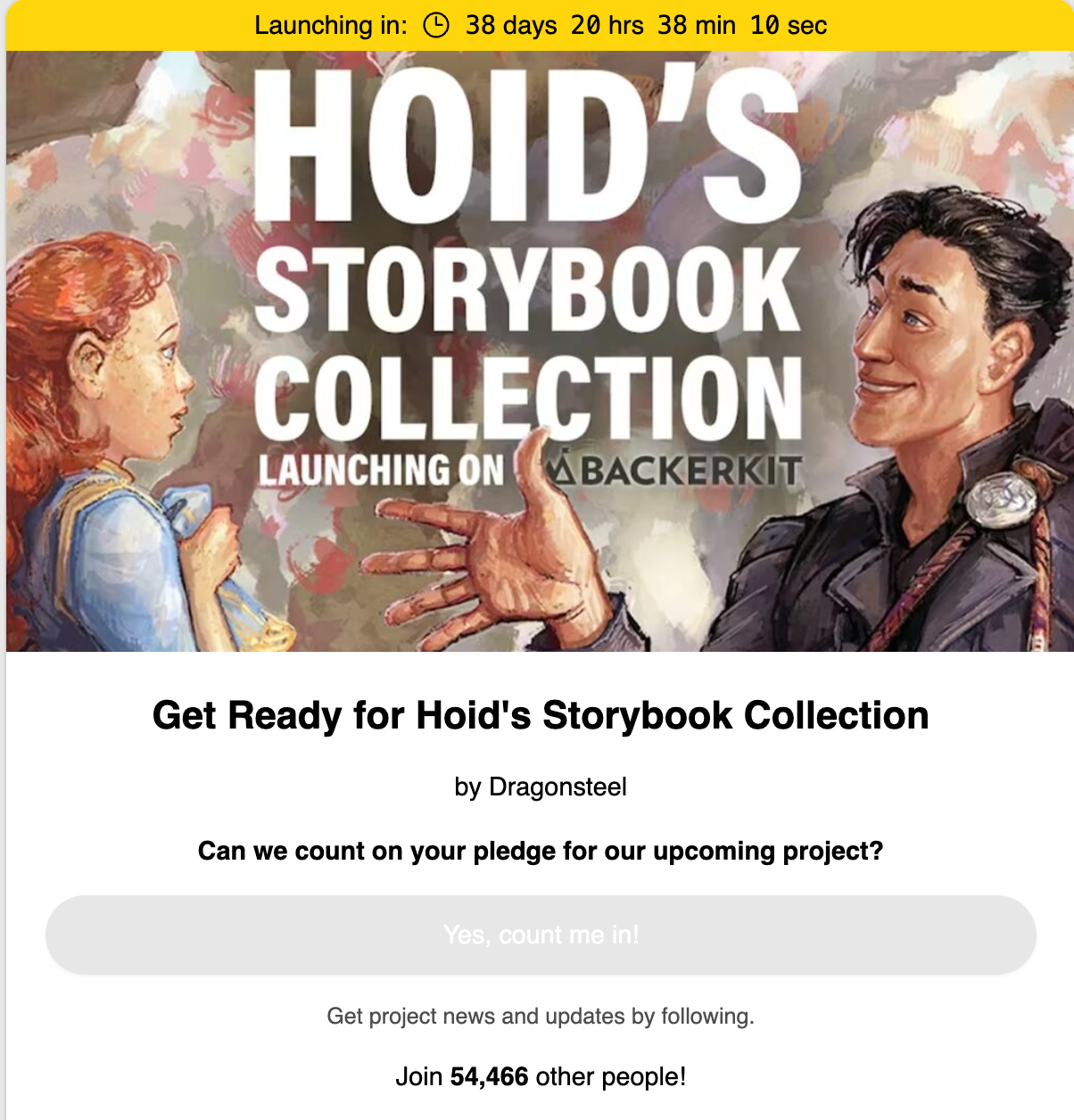
Visit the project’s pre-launch page (Example project below) and sign up for their mailing list:
👉🏽 If you have a BackerKit account:
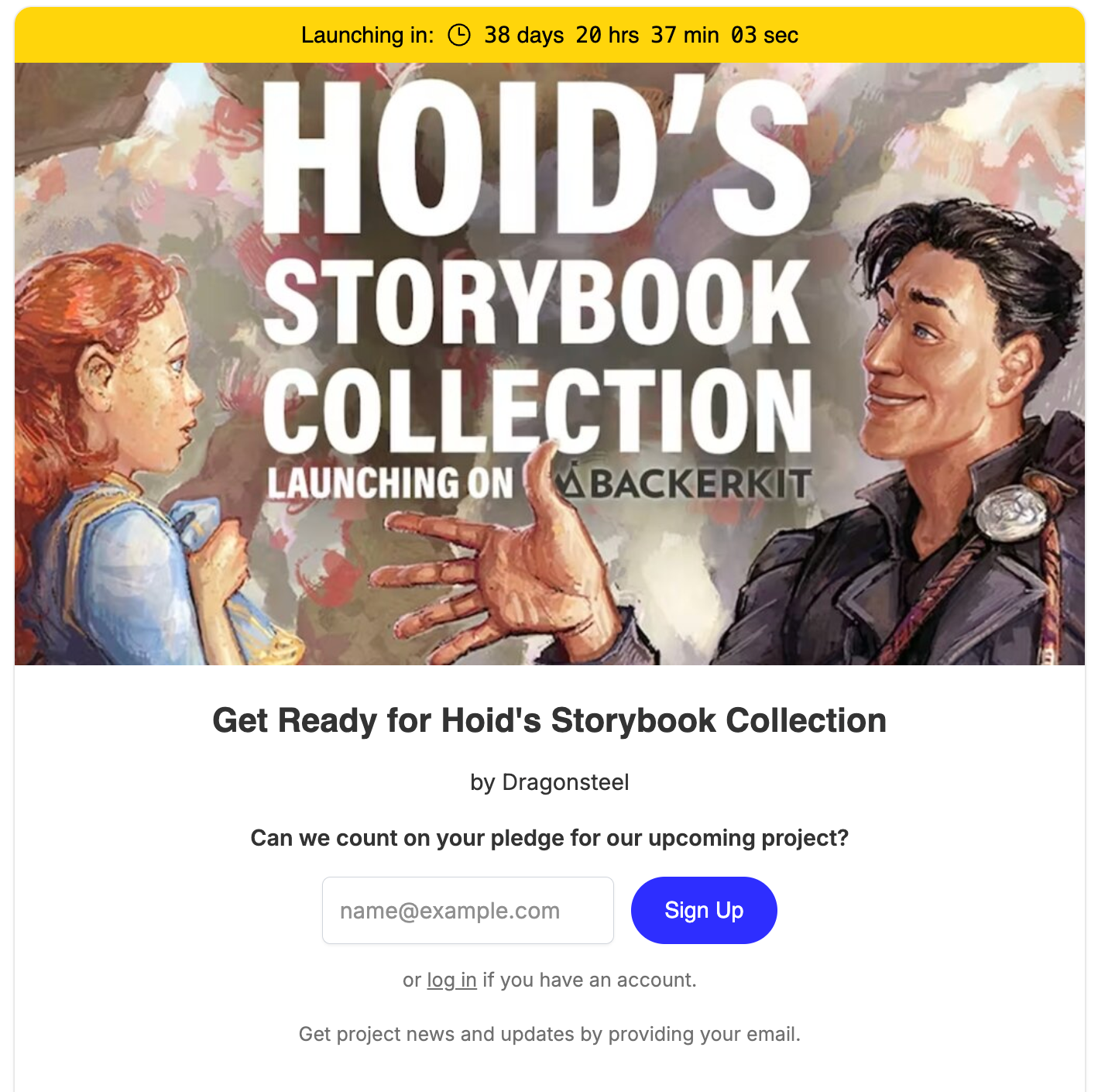
👉🏽 If you need to sign up for a BackerKit account:
-
Follow the project first, if you haven't already, then it will let you start a reservation. After you "sign up" a new field will populate to "Reserve" with more info. If you're already a follower, this should auto-populate!
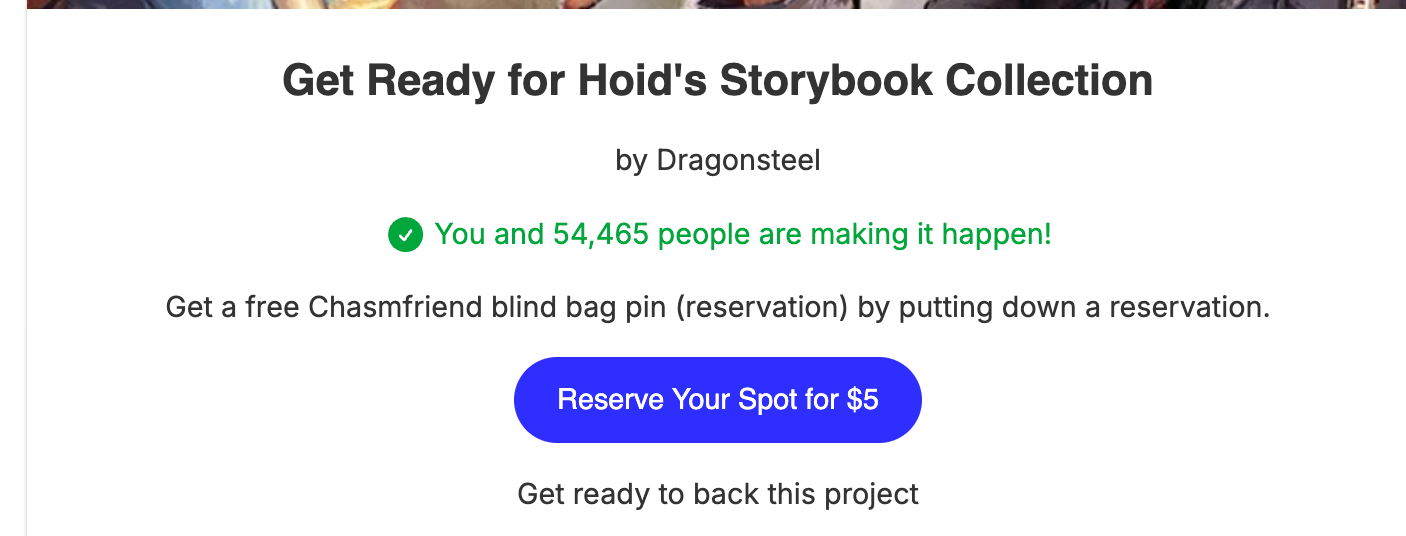
- Review the reservation summary (including the amount, and rewards included.)
Example

-
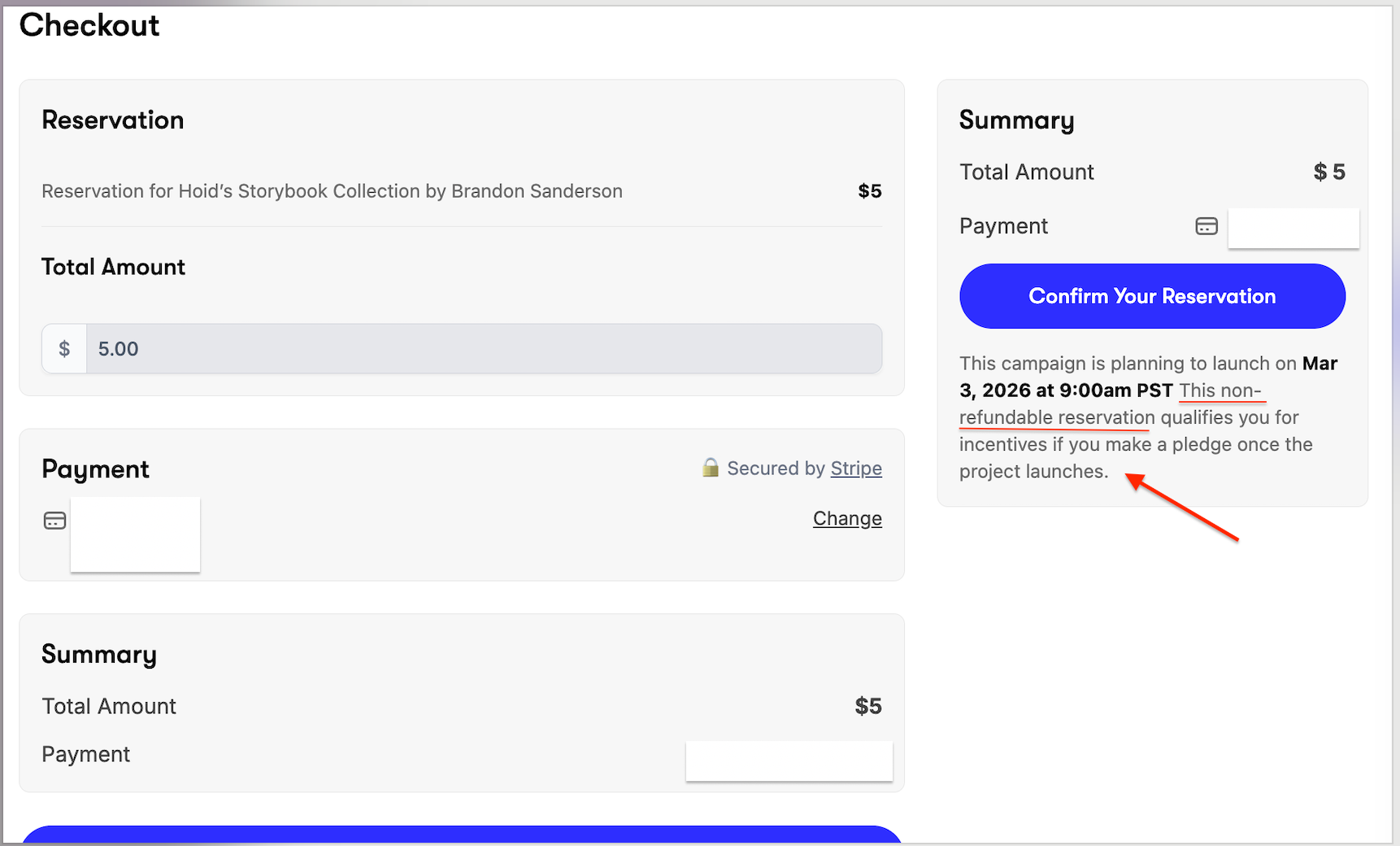
Review the no‑refund policy on the confirmation page.
-
Click the "Confirm Your Reservation" button after adding your payment details. Confirm your reservation and payment.
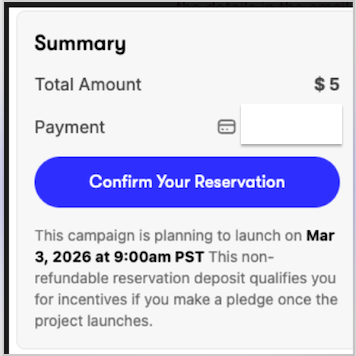
- You’ll see a confirmation on screen, and you’ll receive a confirmation email shortly after.
Frequently Asked Questions:
How much does a reservation cost?
The amount is set by the project creator. Most reservations are $1–$5, though amounts may vary.
When am I charged?
You are charged immediately when you place the reservation.
- Payment confirmation appears on screen
What if my payment fails?
- Payment failures appear immediately if there’s an issue.
- If your payment is unsuccessful, the reservation does not go through and will not be retried automatically.
- In some cases, your bank may show a temporary pending authorization. This is not a completed charge and typically falls off within 1–2 business days, depending on your bank.
- Because unsuccessful reservation payments automatically fail and are not saved, there is no charge to reattempt and no record of the failed reservation in your account or on our end. If you’d like to proceed, you can simply try again using a valid payment method.
- You will not be charged twice.
I am receiving an SCA/Authentication error when I try to use my card?
That authentication message means your bank is requiring an additional security step (Strong Customer Authentication), and at this time, the reservation flow does not support that type of verification. We don't currently have a timeline for a change, but this is a problem on our radar.
If possible, please try completing the Reservation using a different payment method. Once the campaign launches, standard pledge payments will supported.
Can I reserve more than once?
- No. Each backer can only place one reservation per project.
- Once your reservation is complete, you won’t be able to reserve again.
Where can I see my reservation?
- After placing a reservation, you can view it in your BackerKit account under:
- Account → My Pledges -> My reservations

- Your reservation and its details will appear there.
- If your reservation has failed, there will be no record of the transaction in your account.
Can I cancel or get a refund on my reservation?
- No. Reservations are final and non-refundable.
Once a reservation is placed:
- It cannot be canceled.
- It cannot be refunded.
This information is included in the checkout process so you can review it before confirming your reservation. :)

What if I don’t end up pledging when the campaign launches?
If you choose not to pledge after the campaign goes live, the reservation fee is not refunded.
Reservation fees:
- Do not carry over as credit
- If you do not pledge, your reservation will be considered as a donation for the creator
What happens when the campaign launches?
When the project goes live:
- You can pledge like normal.
- Be sure to use the same email you used to opt into the reservation with.
- Your Pre‑launch Reservation incentive is automatically applied at checkout
You’ll see it listed with this label:
“Pre‑launch Reservation — You reserved exclusive perks pre‑launch.”
What kind of perks can I get for reserving?
Perks vary by project and may include:
- A free item
- Exclusive bonus content
- Access to a discounted Pledge Level
If a project has a specific incentive set up, you’ll see messaging like:
“Get a free [item name] by putting down a reservation fee.”
If no specific incentive is set, you’ll see standard reservation messaging instead.
I followed the project already—do I still see the reservation button?
Yes. If you’re already on the project’s follower list:
- You’ll see the reservation button
- You’ll be prompted to log in
- If your email is already associated with an account, you’ll go through the password reset / login flow
Once logged in, if you already have a reservation:
- The reservation button will disappear
- You’ll see confirmation that your reservation is already secured
Will I get an email confirmation?
Yes. After placing a reservation, you’ll receive a confirmation email confirming:
- The project
- The reservation amount
- That the reservation is non‑refundable
Why do creators use reservations?
Reservations help creators:
- Forecast demand more accurately
- Plan production and fulfillment
- Offer better exclusive perks to early supporters
Your reservation signals strong intent to pledge once the campaign launches.
What if I pledged using the wrong email address, and the campaign has ended?
If the campaign has ended, we cannot update your email address and apply incentives or switch your pledge level until your survey is sent. Please reach out once surveys are sent.
👉🏽 Still need help?
If you have questions about your reservation or need account assistance, contact BackerKit Support and we'll be happy to assist!