.png)
How Do I Edit My Pledge on BackerKit Crowdfunding?
|
Not sure where to find your pledge? Check out our guide: Where Are My Pledges? to locate your pledge or survey before getting started. |
How to Switch Your Pledge Level on BackerKit Crowdfunding
Please Note: Switching pledge levels is only available while the project is live. Once a campaign has ended, any switches will need to need to be made once surveys are sent, contingent upon the project team's policies. Refunds are not guaranteed.
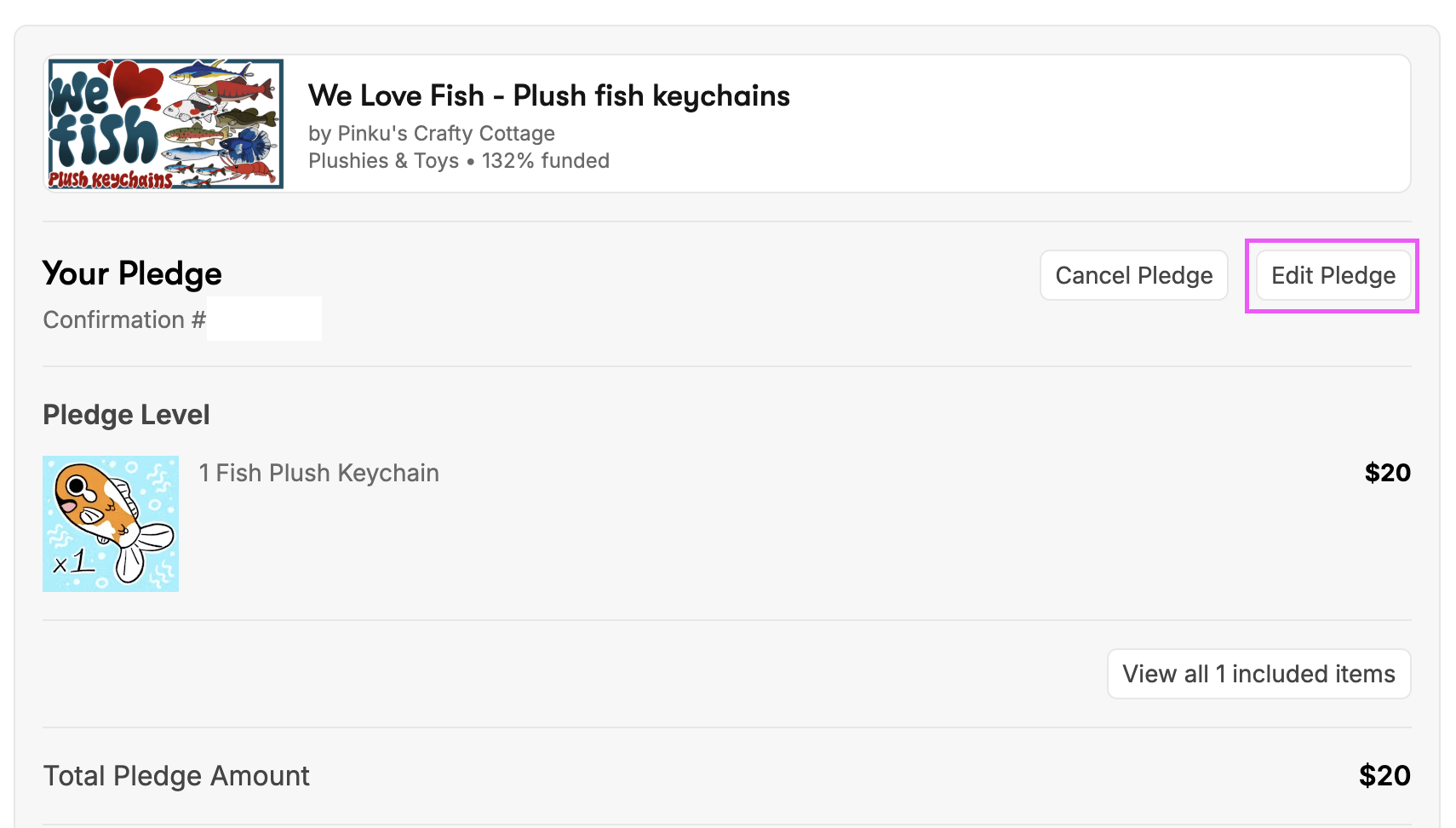
To change your pledge level, first find your pledge confirmation for the campaign. Then, click "Edit Pledge."
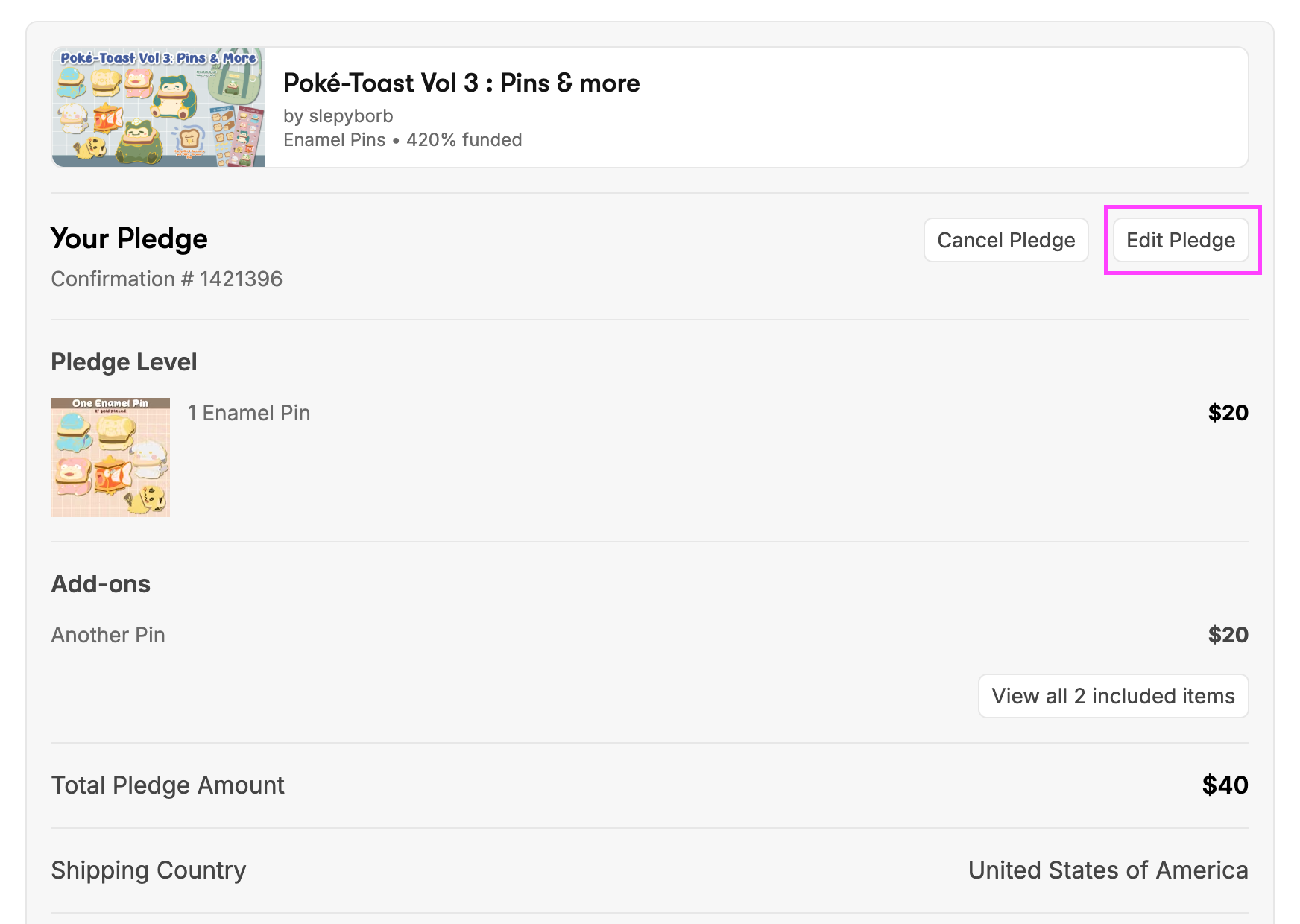
You will then be taken to the next page, which displays your current pledge level.
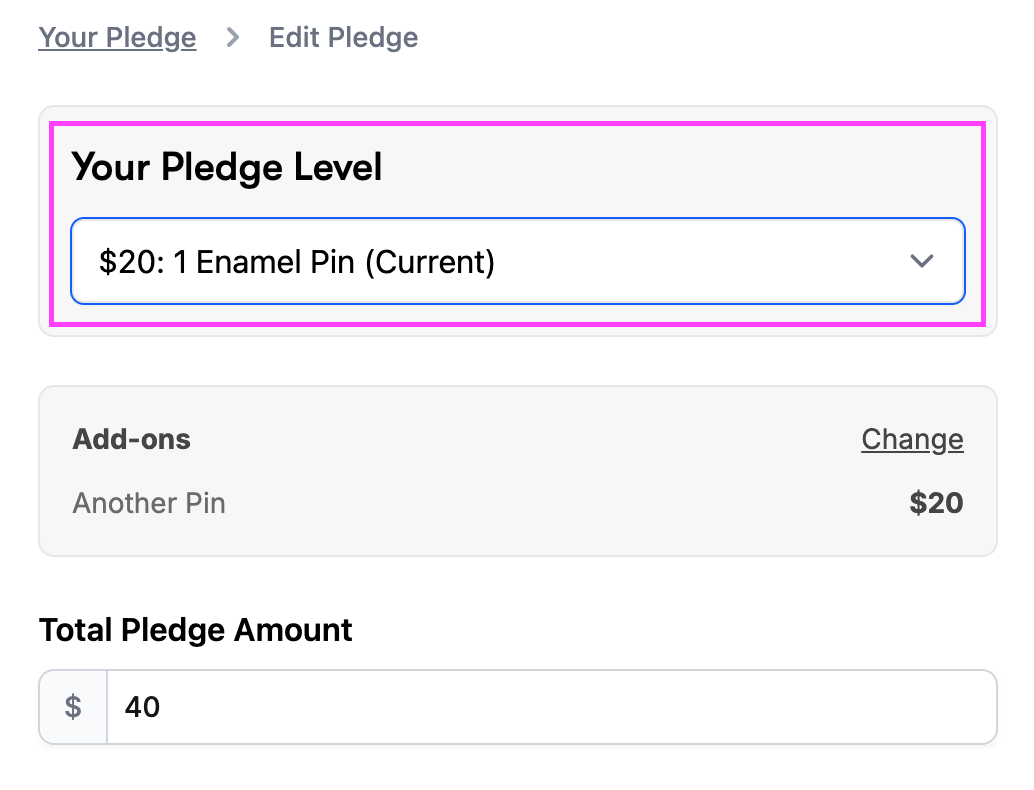
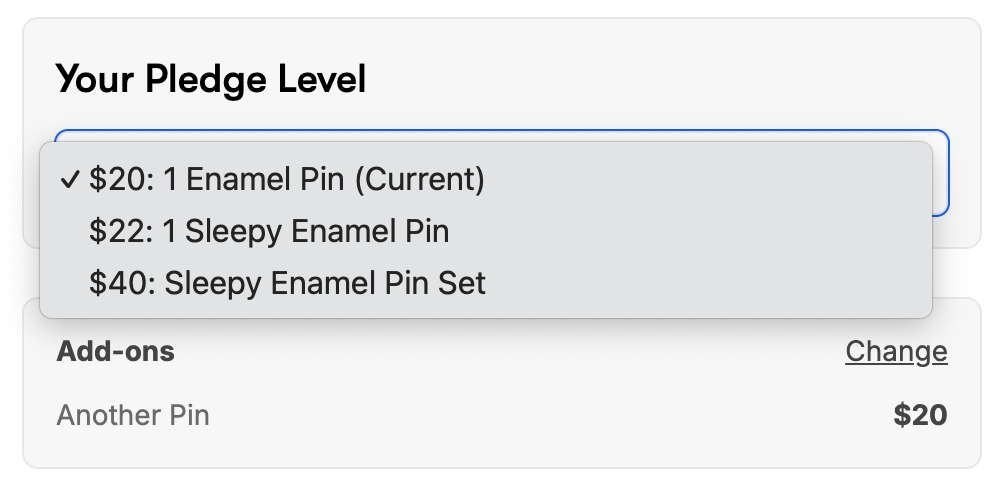
A drop-down menu will then display, allowing you to select your desired pledge level.
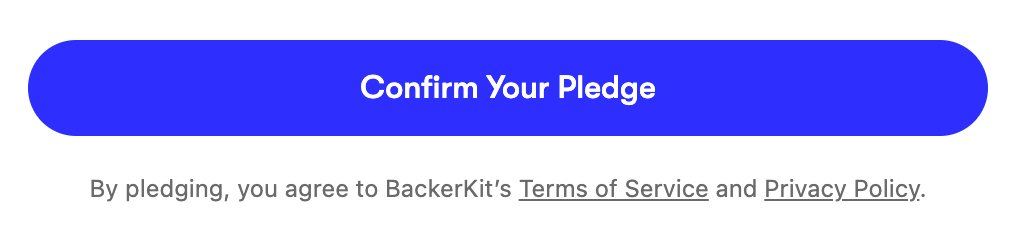
With a click on "confirm," you will have successfully switched your pledge level.
How to Add or Edit Add-ons
While the campaign is live, you are still able to edit add-ons or add them to your pledge after confirming your order. To do this, go to your pledge confirmation page and click on "Edit Pledge."
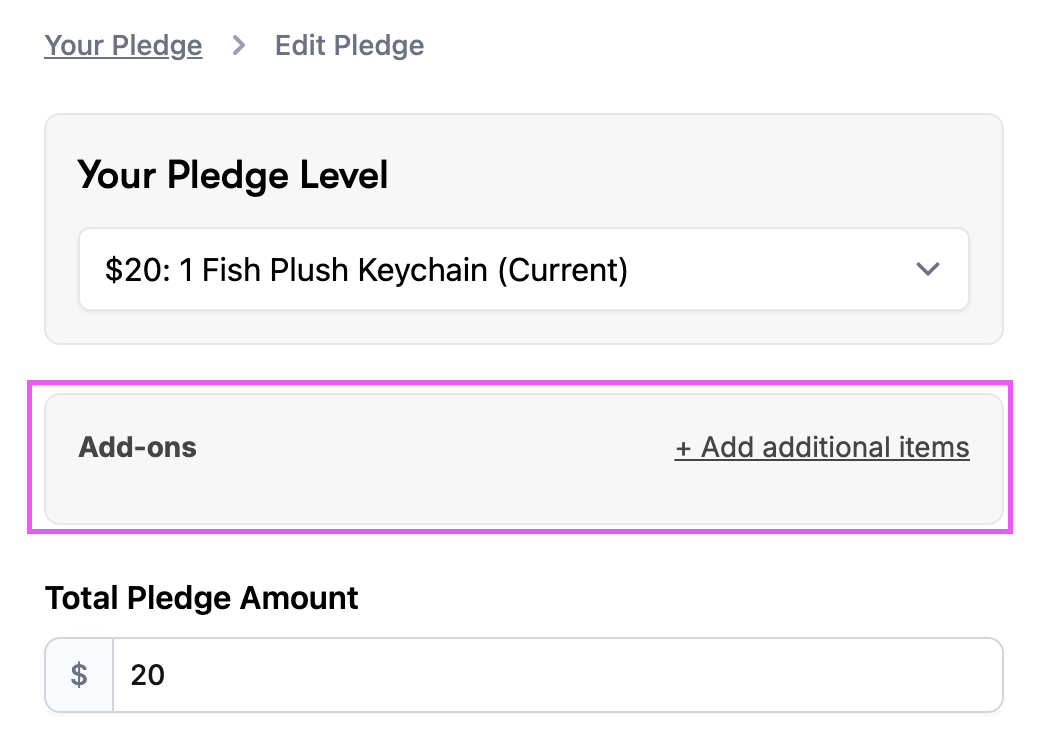
You will next be brought to a page that will allow you to switch your pledge level or edit your add-ons. Click on "+Add additional items." (Or "Change" if you already selected add-on items when you pledged to the campaign)
From there, you will be able to select add-ons available for the campaign by clicking "Add to Pledge."
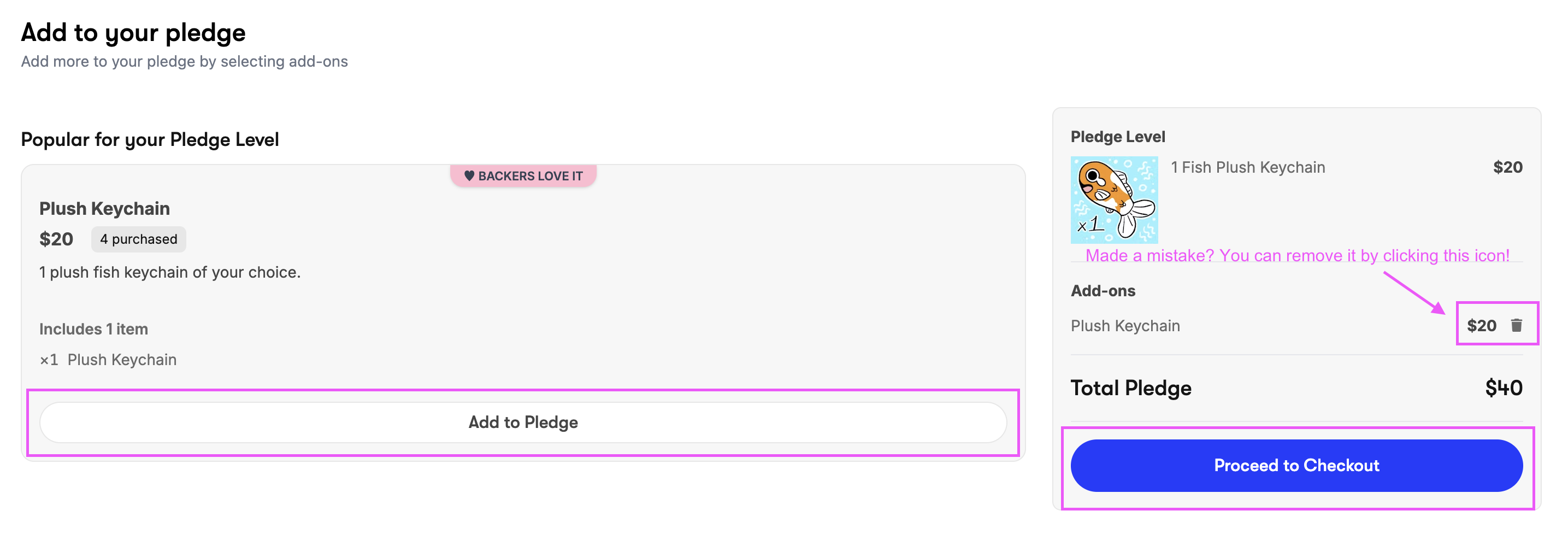
Once you have added your desired items by clicking "Add to Pledge," click "Proceed to Checkout."
From there, you will then be able to confirm your pledge using the button above, and you're all set!
Please note that add-on changes are only able to be made from your pledge confirmation page while the campaign is live. Once the campaign has ended, you will not be able to select or change add-ons until surveys are sent.
Since add-ons selected during the survey are automatically locked, any post campaign changes to your add-ons will need to be approved by the creator and is contingent on their policies.
Still have questions or having trouble editing your pledge? Contact Backer Support