.png)
Login and Password Troubleshooting
This doc helps you regain access to your account if you're having trouble signing in or resetting your password.
Can't find your survey? Learn more » | 2FA? Learn more » | Need to update your email? Learn more »
How to log in:
Trouble logging in or receiving reset password links?
You might not have an account — a BackerKit Crowdfunding account is not necessary to preorder, receive emails, or fill out surveys. The quickest way to find out if you have an existing account, is to try creating one. If you do — you'll receive an error:
this account already exists.If you don't, all of your surveys will populate automatically in your newly created account, under "Your Surveys", if attached to that email.
How do I confirm my BackerKit account?
A: After creating an account, you'll receive a confirmation email. Click "Confirm email address" in that email to activate your account.
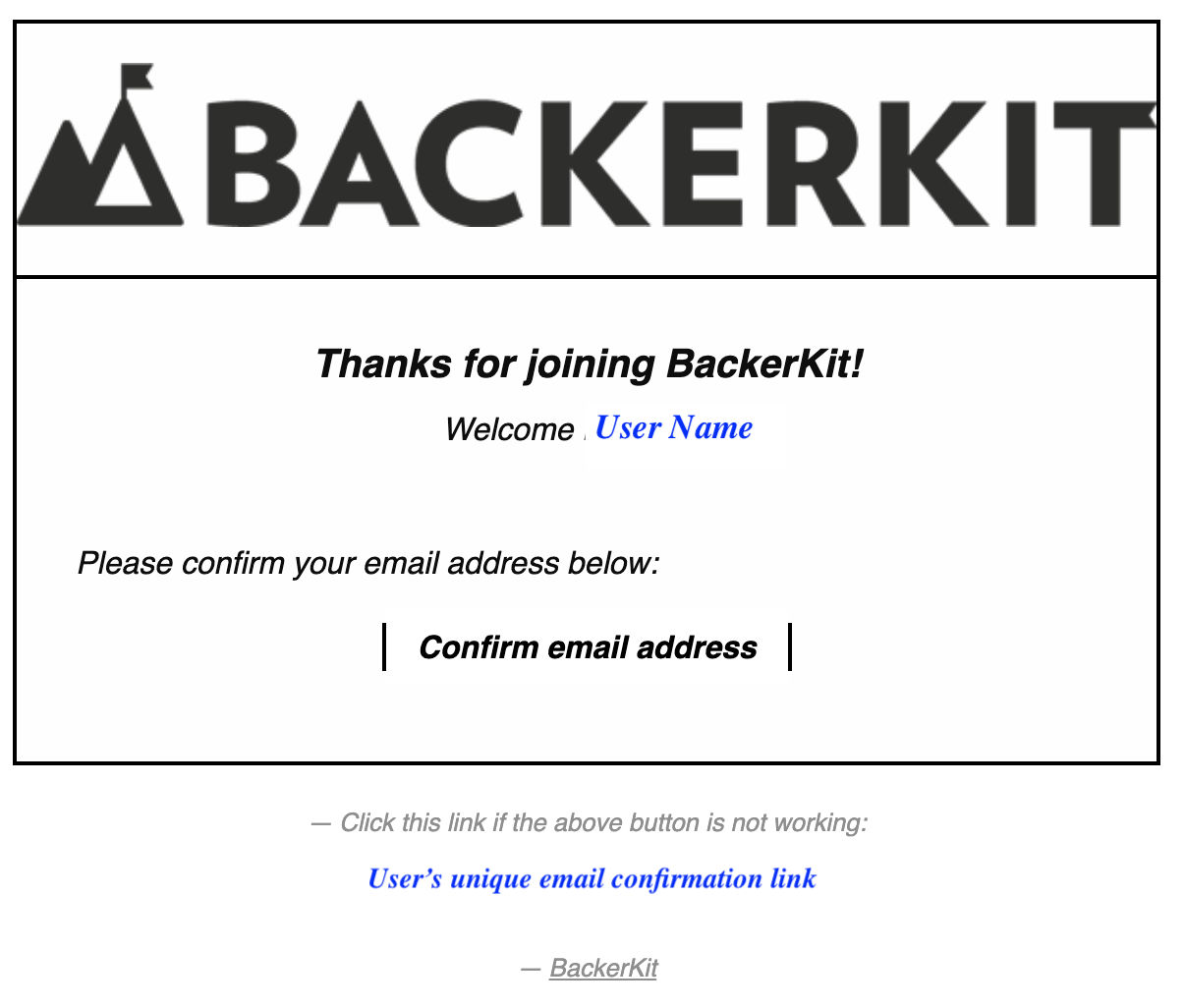
If you didn't receive the confirmation email:
- Enter your email at this link to request a new one.
- Or log in to your account — you'll see a red banner with a "Resend confirmation email" link.

If you still don't receive the confirmation email after resending, contact Support.
Do I have a Backer Account?
A: If you are not sure if you've created a Backer Account or not -- the quickest way to determine if you have a BackerKit Crowdfunding Backer Account is to try logging in.
Check out what the error messages you may receive mean in the next question's answer below and how they verify your account status. »
If you'd like to create a Backer Account, you can sign up here.
I'm receiving an "Invalid" error or "already taken" error.
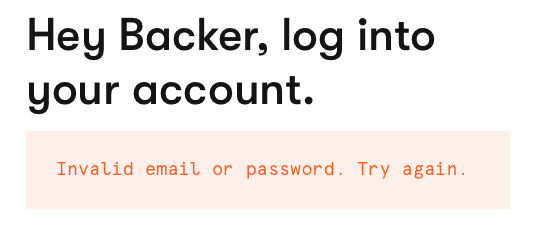
If still unsuccessful, we recommend resetting your password.
If you do not receive a reset password email, it's likely that you don't have a BackerKit Crowdfunding account, or that your emails are being blocked by us.
ALREADY TAKEN:
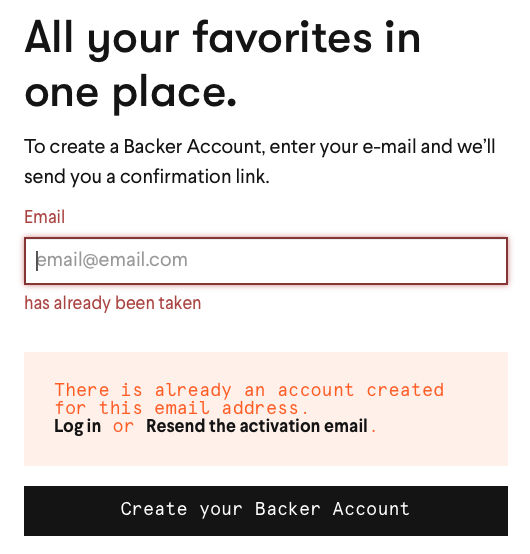
If you see an email has already been taken error, you already have an account. Please reset your password if you are unable to log in.
For both scenarios:
Reminder: You do not need a Backer Account to access your surveys. Having a Kickstarter account, completing a BackerKit survey, or receiving project updates does not mean you have created a BackerKit account associated with your email.
If all else fails, please check out the troubleshooting steps below.
It's not working.
- Confirm that your email address and password are correct.
- Disable your browser's auto-fill and check for typos: re-enter your credentials manually.
- If the issue persists, please reset your password and try the Troubleshooting steps listed below.
I have an AppleID email address.
I have a Hotmail, AOL, or Yahoo email address domain.
I signed up using Google or Facebook sign-in.
How to reset password:
Why did my password reset link expire immediately?
A: Each reset link is single-use and expires the moment it's clicked — even once. Some email clients, browser extensions, or security tools automatically preview or scan links before you click them, which can trigger this.
To work around it, follow these steps exactly:
- Open a fresh incognito or private browsing window (this disables extensions).
- From that window, go to BackerKit Crowdfunding login.
- When the reset email arrives, open it and click the link directly from that same incognito window — or copy and paste the link into it.
If this resolves the issue, a browser extension or security setting in your normal session is likely interfering. If the link still shows as expired, reach out to Support.
Why am I not receiving a password reset email?
A: There are a few common reasons:
First, we recommend whitelisting noreply@s.backerkit.com, @backerkit.com, and @s.backerkit.com in your contact list to ensure our emails are not being filtered out.
- You may not have a BackerKit Crowdfunding account. Having a Kickstarter account, completing a BackerKit survey, or receiving project updates does not mean you have a BackerKit Crowdfunding account. These are separate.
- BackerKit may have been marked as spam. Check your spam or promotions folder. If you previously marked a BackerKit email as spam, future emails from us may be blocked out of respect!
- 💡 If you use a Hotmail, AOL, or Yahoo email address, you may experience ongoing delivery issues. A Gmail address can help prevent this — but if switching isn't possible, contact Support if it happens again and we can restore delivery.
- 💡 If you’re using an AppleID Relay address, you will not receive any emails from us. You can learn more about using AppleID email addresses here.
Why is my account locked or my IP blocked?
A: Account locked: If you've made several login attempts in a short window, your account may be temporarily locked for security. Wait one hour from your last attempt, then try logging in again with your most recent password.
IP address blocked: Your IP may be temporarily blocked if you've sent multiple password reset requests, opened several tabs rapidly, or if a background script triggered repeated requests. These are automatic security protections.
👉 To get your IP unblocked, contact Support and include your current IP address.
💡 Find your IP quickly at whatismyipaddress.com.
In the meantime, clearing your cache and cookies and restarting your browser may resolve the issue on its own.
What if I'm seeing a 404 error?
A: If you're receiving a 404 error on the login page, please first make sure you are logged into the correct account if filling out a survey. We recommend logging out, then back in and disabling autofill.
If the issue persists, reach out to Support with:
- A screenshot of the error (including the URL bar).
- The full URL copied from your browser.
Troubleshooting:
After confirming that you have an account:
- Disable your browser's auto-fill and check for typos — re-enter your credentials manually
- Confirm that your email address and password are correct.
- Switch to a different browser or device, preferably Google Chrome or mobile
- Clear your cache, cookies and browsing history
- Try an incognito window
One of these tips resolves most issues!
👉 Still need help?
Please contact Support. When you do, please include:
- The email address associated with your BackerKit account
- A screenshot of the exact error message you're seeing
- Which troubleshooting steps you've already tried
- Your IP address if you're seeing an "IP blocked" error (find it here)